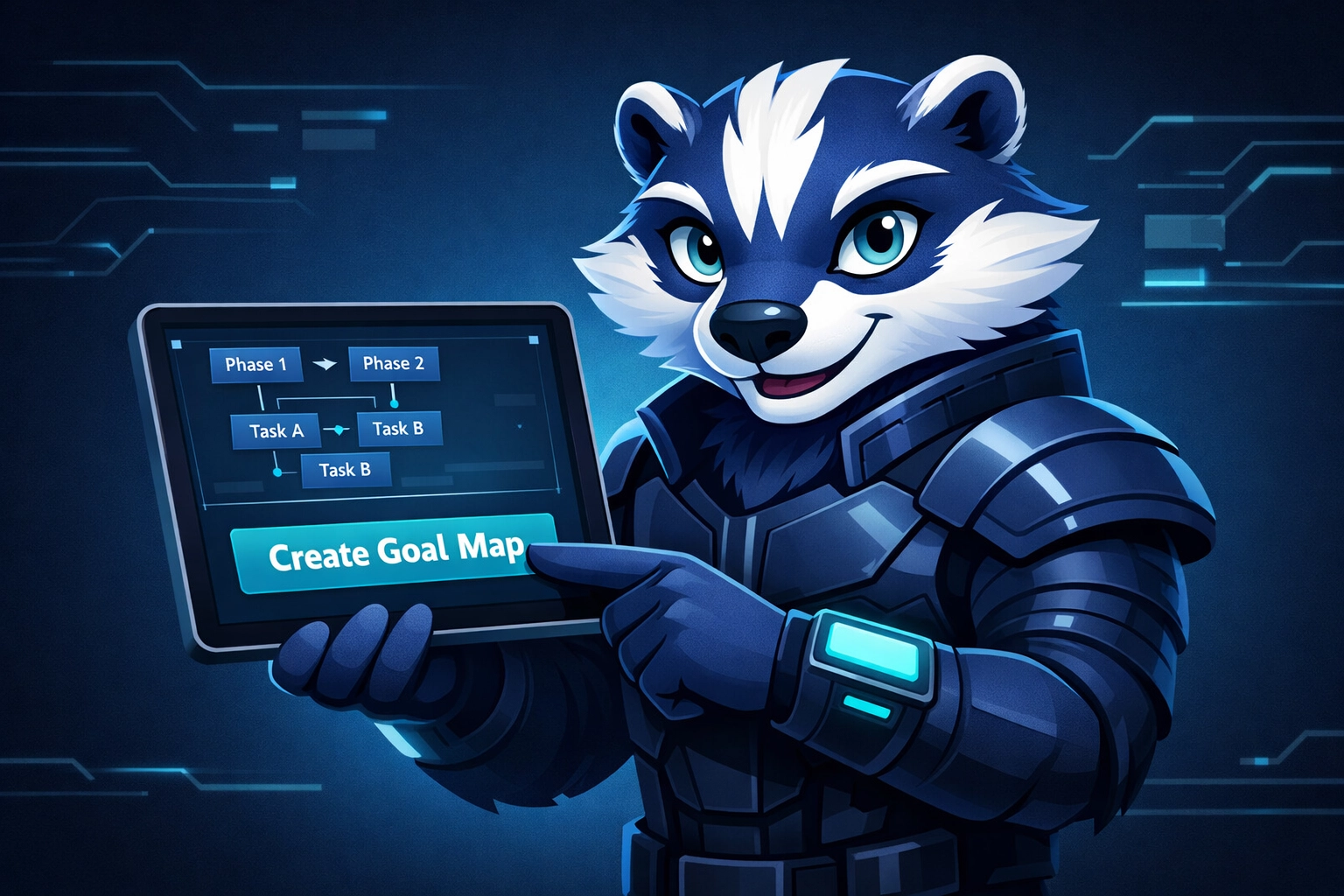

Goalbadger vs. Notion: The Library vs. The Map
A beautiful dashboard isn’t a plan.
It’s a mood board with checkboxes.
And if you’ve ever built the “perfect” Notion setup on Sunday… then stared at it all week… you already know the punchline.
Notion is incredible at thinking. Goalbadger is built for doing.
Goalbadger is a goal execution engine.
That’s the strategic split:
Notion is the Library. Storage. Notes. Docs. Knowledge.
Goalbadger is the Map. Sequencing. Momentum. Execution.
If you want a goal execution platform that turns intention into action, you need a map. Not another database.
The Procrastivity Trap
Notion gives you unlimited flexibility.
And that’s the problem.
You open a new page and suddenly you’re making “a system.” Tags. Statuses. Properties. Views. Automations. A dashboard for the dashboard.
It feels productive.
But it’s not progress.
That loop has a name: Procrastivity. Productive-looking work that helps you avoid the real work.
Especially if you’re running on low energy, decision fatigue, or you’ve got a brain that doesn’t love task initiation (hi, productivity app for ADHD shoppers). Notion becomes the place you go to organize your intentions instead of executing them.
Goalbadger doesn’t start with a blank page. It starts with a question:
What’s the goal?
Then it generates a goal map: phases, tasks, sequencing, and the “do this next” path that gets you moving.
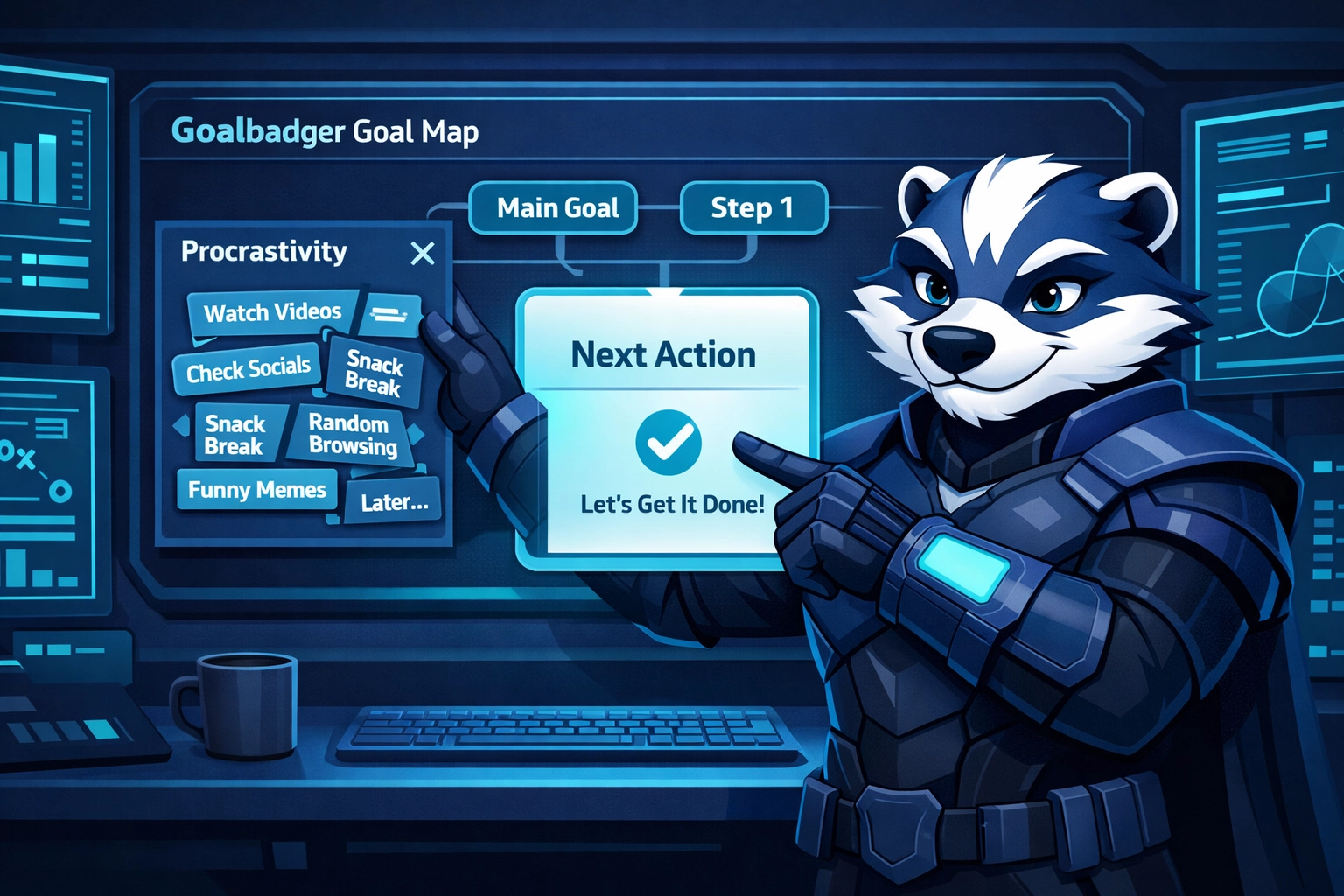
Executive Function Needs a Map (Not a Database)
Notion is fantastic at holding information.
But execution isn’t an information problem.
It’s a sequencing problem.
When you’re trying to launch a product, switch careers, write a book, or rebuild your health, you don’t need “a list of tasks.” You need:
what comes first
what depends on what
what’s optional vs critical
what you should do today
what gets scheduled so it actually happens
That’s what an executive function planner is supposed to do.
Goalbadger is a goal execution platform designed around that reality. You describe the goal in plain language. The AI builds a structured action plan template with phases and tasks you can edit, track, and run.
Notion is the Library. It holds the reference material. Goalbadger is the Map. It tells you where to step next.
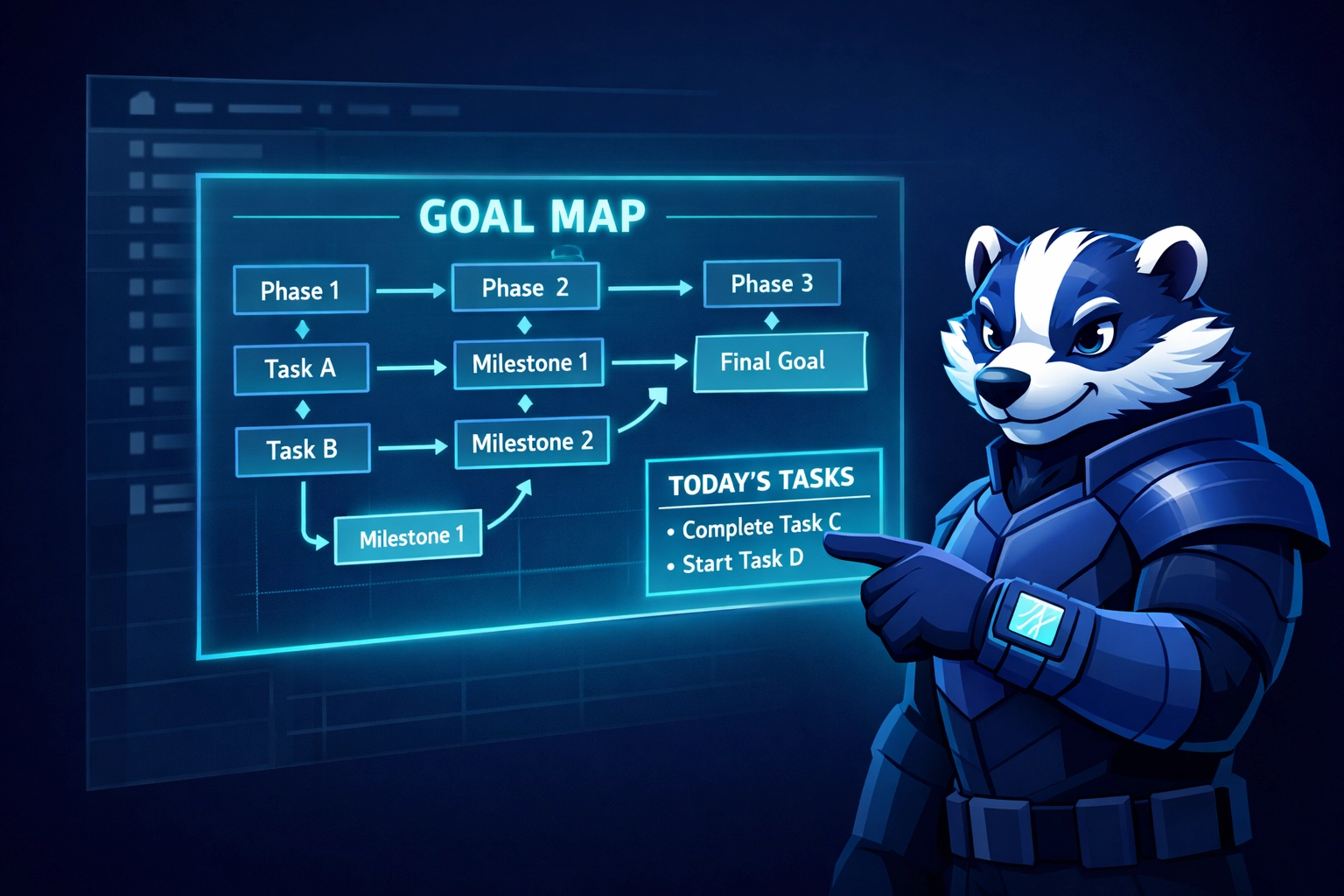
And because it’s built as a goal execution engine, you’re not just collecting plans. You’re completing them.
Notion vs. Goalbadger (Quick Comparison)
Category | Notion | Goalbadger |
|---|---|---|
Core job | Library: notes, docs, knowledge | Map: execution, sequencing, momentum |
Starting a new goal | Blank page (you design the system) | AI-built goal map from your prompt |
Best for | Thinking, writing, documenting | Doing, tracking, finishing |
Planning output | Databases + lists (flat) | Phases + tasks + dependencies (structured) |
ADHD friendliness | Easy to overbuild and stall | Built to reduce decisions and start fast |
Goal tracking | Possible (manual setup) | Native goal tracking app views/workspace |
Accountability | You + your database | Built-in accountability features + Clans (an accountability app feel) |
Automation/AI | Templates + integrations | AI productivity tool that generates and adapts plans |
If you want a goal setting app that protects you from your own over-planning habits, you want the Map.
The Better Together Workflow
Notion and Goalbadger aren’t enemies.
They’re a pipeline.
Here’s the clean workflow that actually works:
Capture + think in Notion (Library)
research
meeting notes
drafts
resources
Commit + execute in Goalbadger (Map)
generate the action plan template
run the goal map day-by-day
track progress in a focused workspace
use social pressure and structure when motivation drops
This is the “thinking vs doing” boundary that saves you.
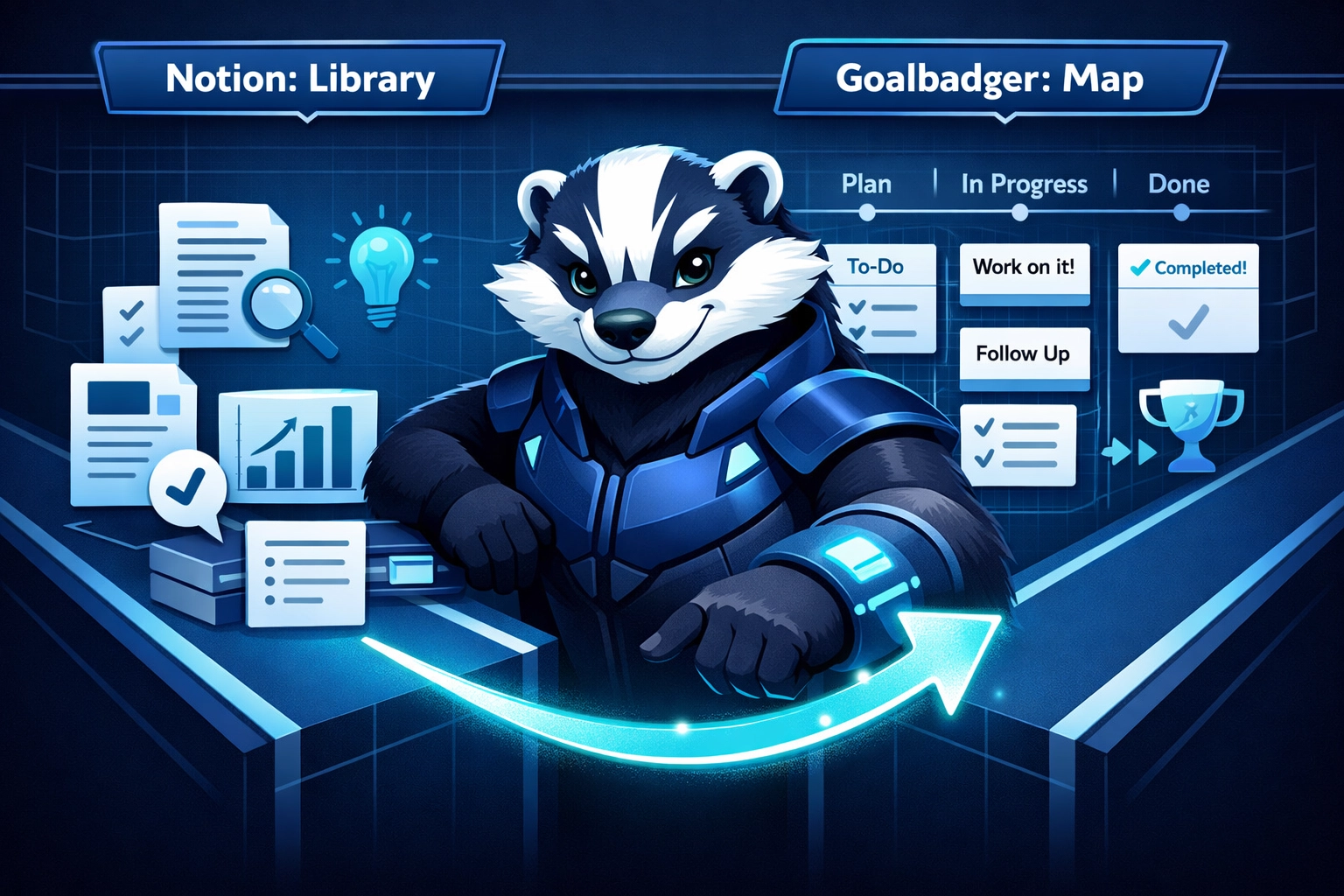
Build the Library. Then Follow the Map.
If your Notion is gorgeous but nothing is shipping, it’s not a discipline problem.
It’s a tool mismatch.
Notion will help you think. Goalbadger will help you move.
If you want a goal execution platform that turns vague goals into daily steps, and you want an ai productivity tool that builds the sequence for you, this is what we built Goalbadger for.
Login to Goalbadger, describe your goal, and generate your first goal map in under a minute.
Then do the next step.
Not the next dashboard.